Begin with the fictional adult subject, setting, composition, and point of view. Explain what should command attention and where it belongs inside the frame. Add lighting, wardrobe, texture, and mood after the visual hierarchy is clear, keeping secondary details subordinate to the main image decision.
Shape a still world ready for its next scene.
Text to Image turns an original written concept into a private still-image request. Define the fictional adult subject, point of view, composition, light, and visual mood with enough clarity that the saved result can stand alone or become an authorized source for later animation.
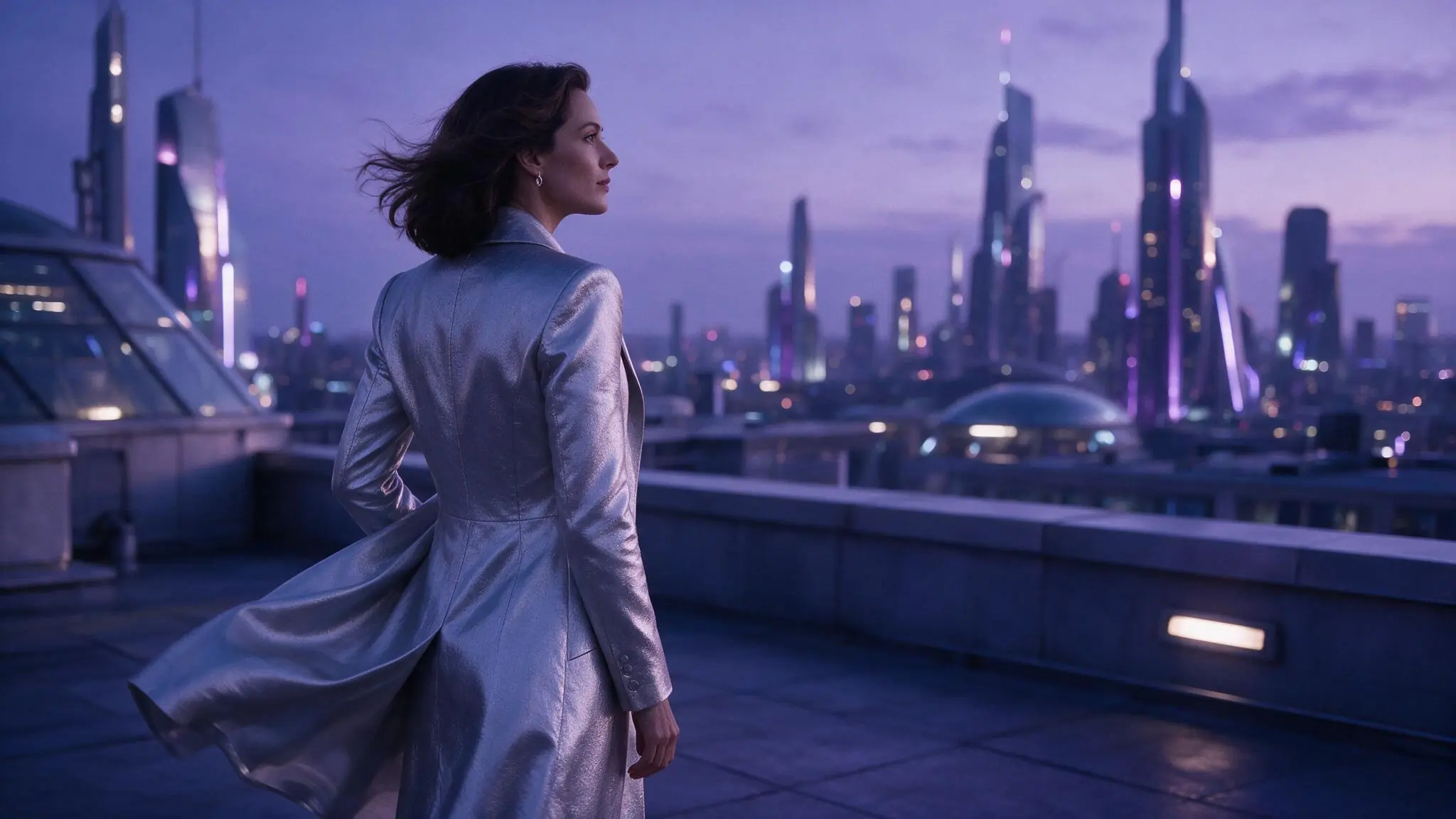
Compose the image before adding detail
Build the prompt from hierarchy and framing first, then add light, material, wardrobe, and atmosphere only when they support the composition. The selected live catalog entry determines which model controls and output choices are available for the request.
- 01
Set the visual hierarchy
Name the fictional adult subject, setting, point of view, and what should command attention in the frame.
- 02
Add light and material with purpose
Use specific lighting, wardrobe, texture, and atmosphere only when they reinforce the composition rather than compete with it.
- 03
Review, save, then decide what follows
Generate with the live model setup and Credit estimate. A completed saved image can become an authorized starting point for Image to Video.
Compose three distinct stills
Text to Image needs a clear subject, composition, point of view, and light hierarchy. Compare how portrait framing, wide symmetry, and controlled color change the instruction. Each example is an illustrative prompt direction rather than a verified generated-result claim.
Swipe horizontally to explore all three examples.
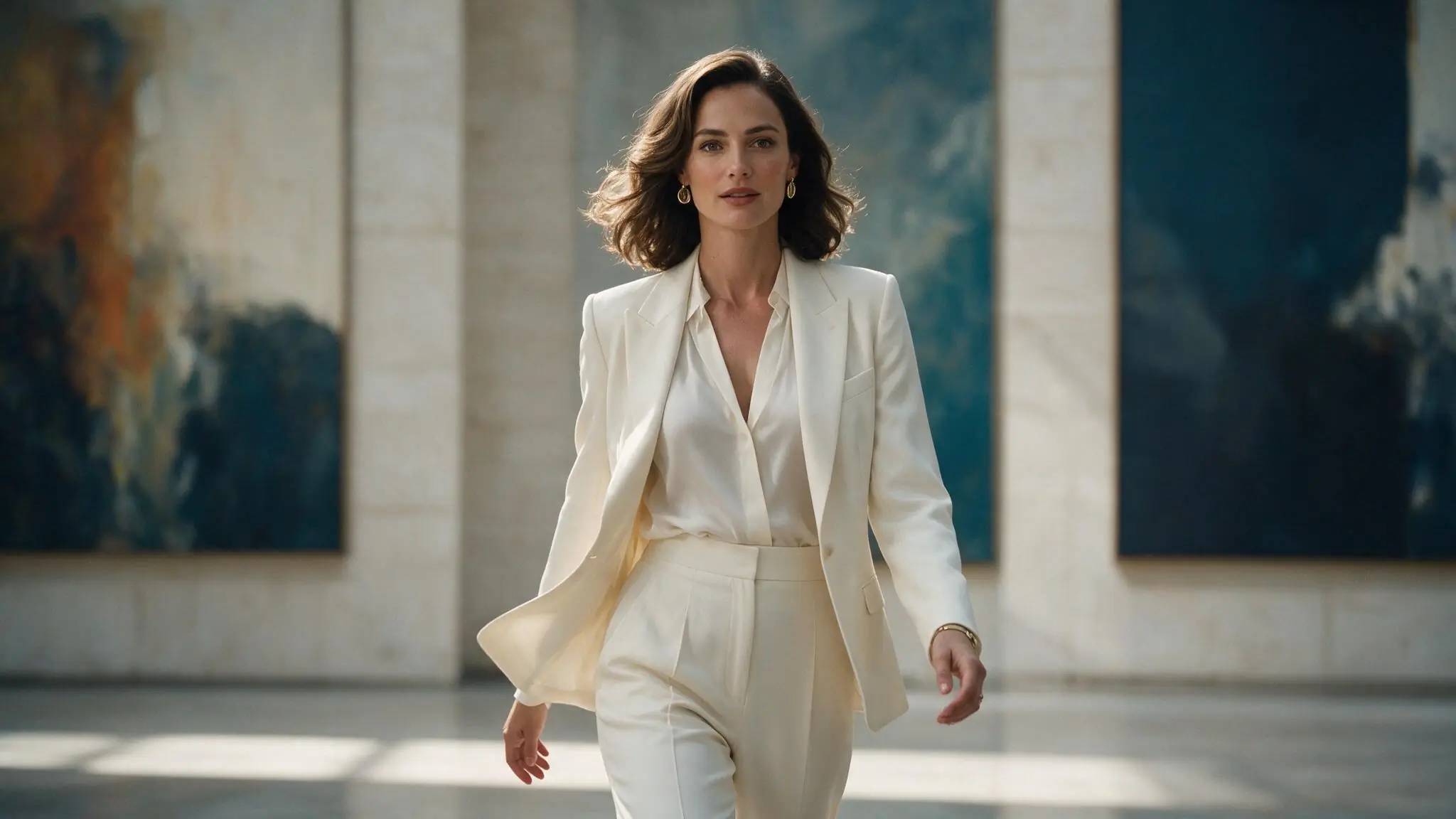
Gallery portrait
PromptFictional adult gallery director in an ivory suit, centered medium portrait, large blue abstract canvases, soft daylight, editorial realism.
Subject and framing come first; wardrobe and light support the hierarchy.
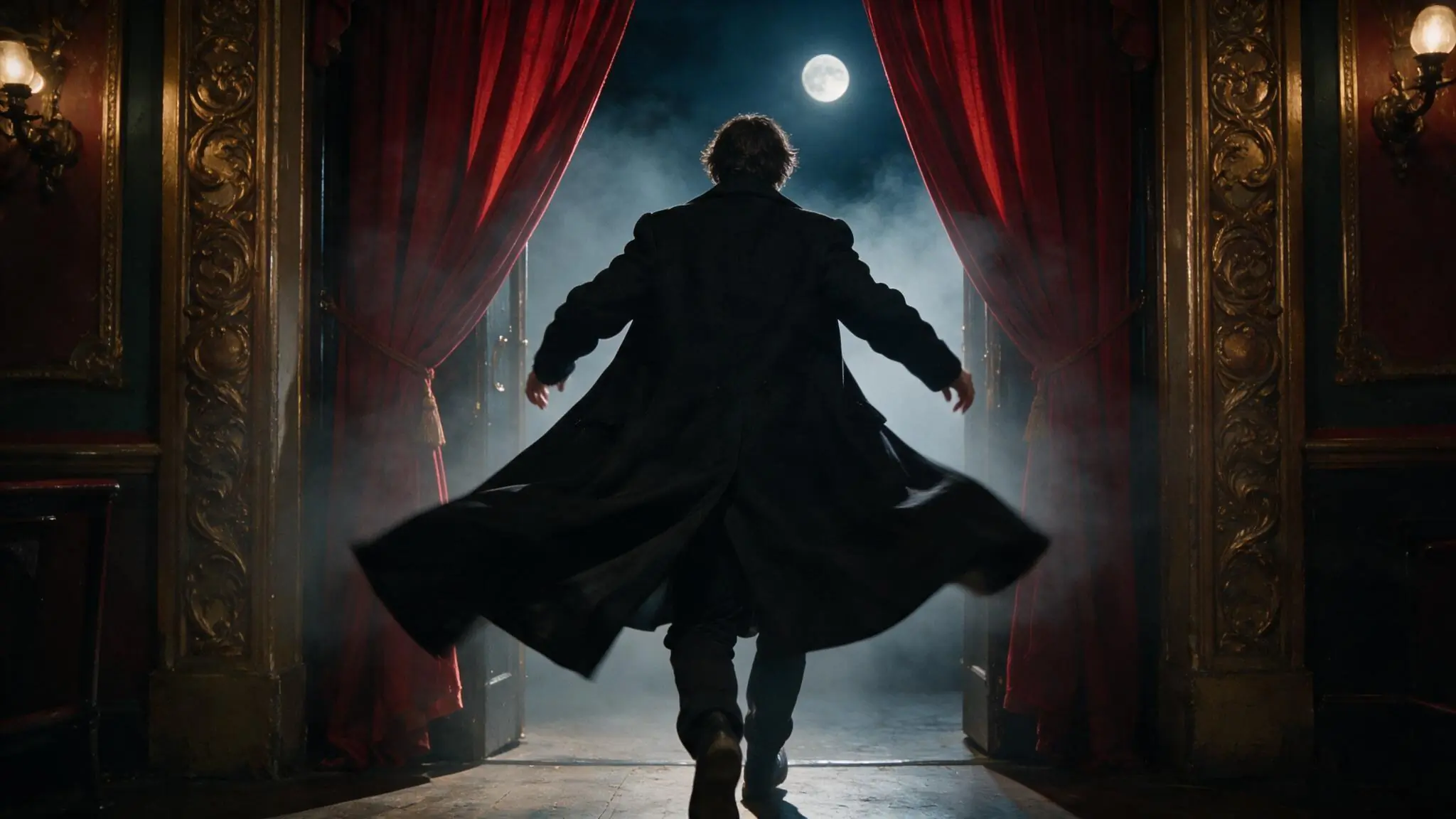
Theater silhouette
PromptFictional adult performer seen from behind entering a baroque theater, centered silhouette, red curtains, full moon, cinematic haze.
A simple silhouette and symmetrical frame establish the image before surface detail.
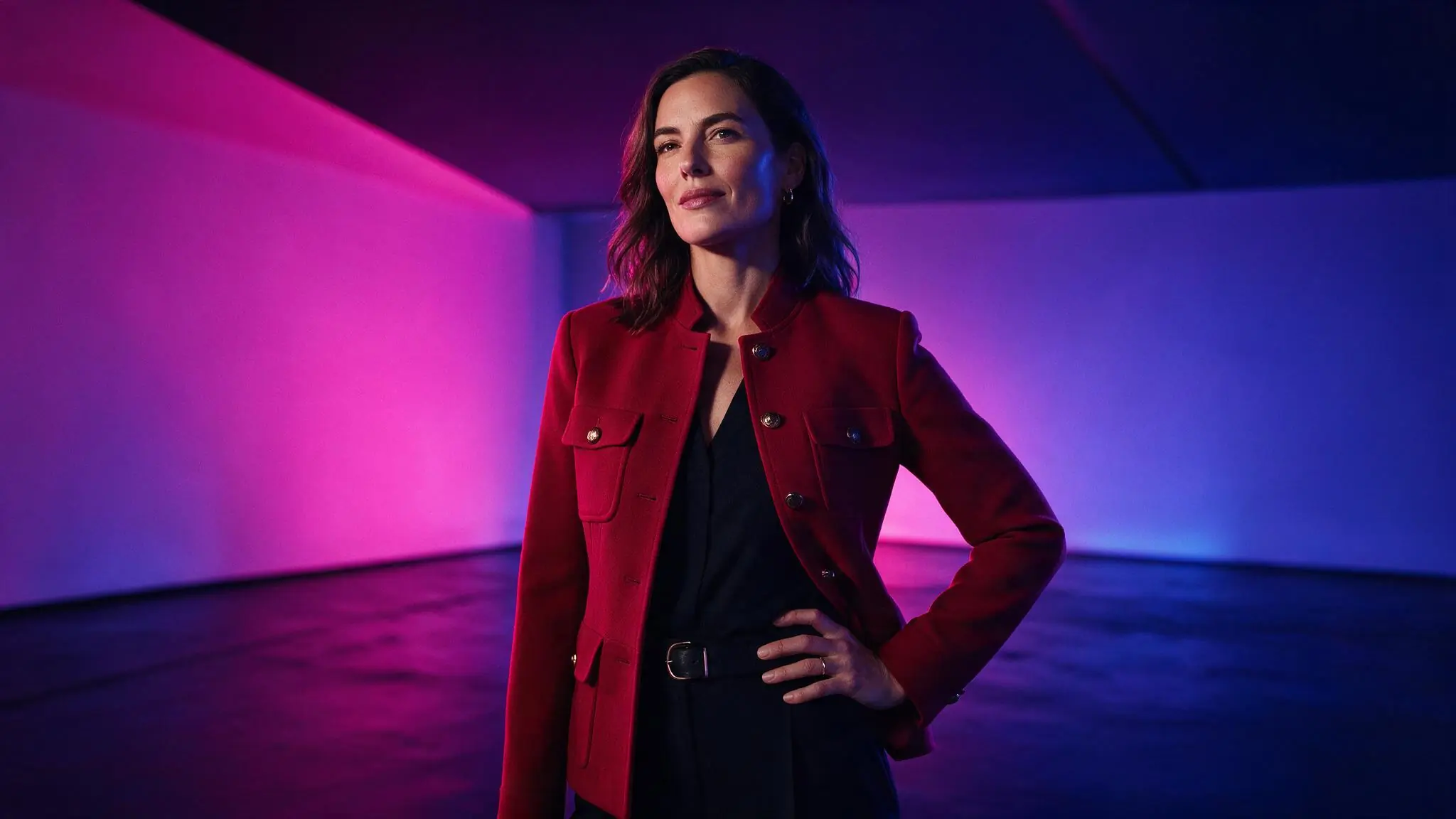
Color-block portrait
PromptFictional adult creative director in a crimson jacket, three-quarter portrait, magenta and cobalt studio light, clean geometric background.
A limited palette gives the subject a clear edge without adding scene clutter.
Text to Image settings for the canvas
Available image settings should establish the destination and canvas before the prompt accumulates detail. Choose an aspect ratio and model around the intended composition, keep comparison tests consistent, and review the live Credit estimate before submitting.
| Goal | Focus on | Why it helps |
|---|---|---|
| Create a focused portrait | Portrait-friendly framing when available | A deliberate crop gives the subject more visual authority and reduces unused background. |
| Build an environment-led image | A wider available aspect ratio | The setting can carry more narrative when it has enough room around the subject. |
| Prepare for a specific destination | The destination aspect ratio first | Choosing the canvas before prompting avoids composing important details outside the intended crop. |
| Compare prompt directions | Keep model and framing consistent | Changing only the prompt makes differences in subject, light, or mood easier to evaluate. |
Improve a weak image result
When a generated still feels weak, clarify hierarchy before adding more adjectives. Revise one decision at a time while keeping the model and canvas stable. A shorter, ordered prompt often provides stronger direction than a long list of competing details.
- The image has no focal point
- Lead with the subject, point of view, and composition before describing wardrobe or atmosphere.
- The frame feels cluttered
- Remove secondary objects and conflicting materials, then keep one supporting environment.
- The crop does not fit the destination
- Choose the intended aspect ratio first and restate where the subject should sit inside the frame.
- The style feels inconsistent
- Use one lighting direction and one visual treatment instead of combining several competing references.
Text to Image questions
Practical answers about live settings, Credits, account access, and consent-first creation.
A completed saved image can become an authorized source for Image to Video when an available live model supports that workflow. Review the still first, then create a separate motion prompt for subject, camera, environment, and pace. Confirm the new model setup and Credit estimate before submitting the video request.
Start with the composition and destination instead of choosing by model name alone. Check which live catalog entry offers the aspect ratio, resolution, or supported control the image requires. Keep the same setup when comparing prompt revisions, and review the current Credit estimate before submitting.
The prompt may be giving equal importance to too many subjects, objects, materials, lighting directions, or visual references. Remove secondary elements, state one focal point, and keep one supporting environment. Add detail back only after the composition and point of view are working.
You can inspect the generator and setup while signed out. Submission requires an authenticated account. Return to the same route after signing in.
The live Workspace shows estimated Credits for the selected model and settings before submission. Change either to see the current estimate. Catalog availability and Credit requirements can change.
A stronger image starts with a clearer hierarchy.
For Text to Image, define the subject, composition, light, and mood, then choose from the live image-generation setup above.