Describe the fictional adult subject, setting, opening composition, intended action, camera direction, pacing, lighting, and visual mood. Put the most important action early and keep it physically readable. Start with one coherent shot before adding secondary movement, environmental effects, or multiple stylistic references.
Build the scene before the first frame exists.
Text to Video works best when the model receives a scene it can stage: who is present, what changes, how the camera moves, and what the light should communicate. Establish one opening composition and one readable action before adding atmosphere, secondary motion, or stylistic detail.
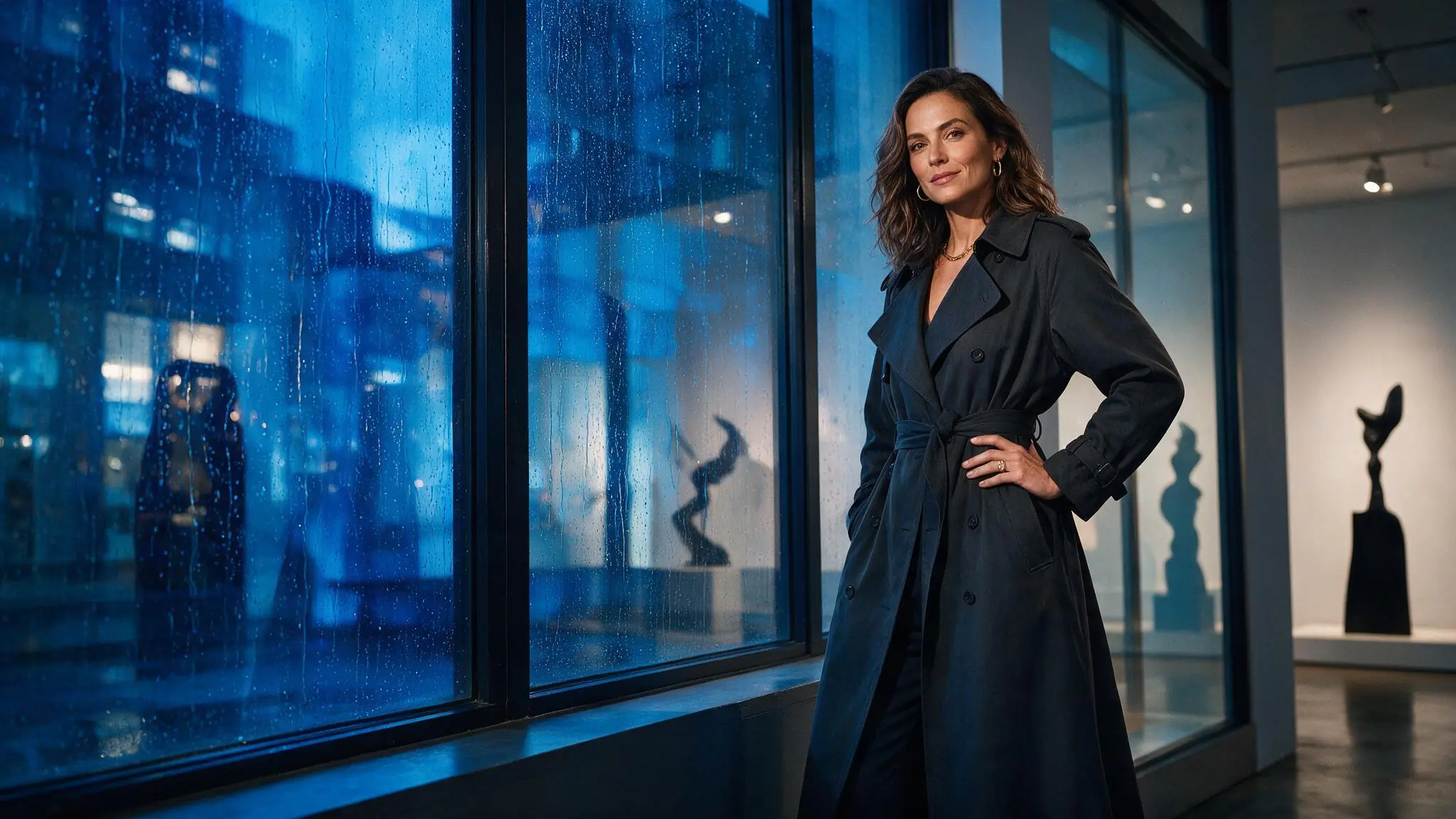
Write a brief the camera can follow
Treat the prompt as direction for one coherent shot. Keep the action readable, separate subject movement from camera movement, and then use the live catalog to choose a setup that supports the intended duration and frame.
- 01
Establish the scene
Name the fictional adult subject, setting, wardrobe, mood, and the composition you want at the opening moment.
- 02
Direct one clear movement
Describe the subject action and camera movement separately. A deliberate dolly, orbit, or tracking cue is easier to evaluate than several competing moves.
- 03
Review the live setup
Choose from the models, durations, aspect ratios, resolutions, and controls currently offered, then check the Credit estimate before submitting.
Direct three distinct camera intentions
Each illustrative Text to Video setup starts from language alone and gives the camera one clear job. Compare how tracking, a dolly-in, and a locked frame change emphasis. The images communicate creative direction and prompt structure; they are not verified generated-result claims.
Swipe horizontally to explore all three examples.
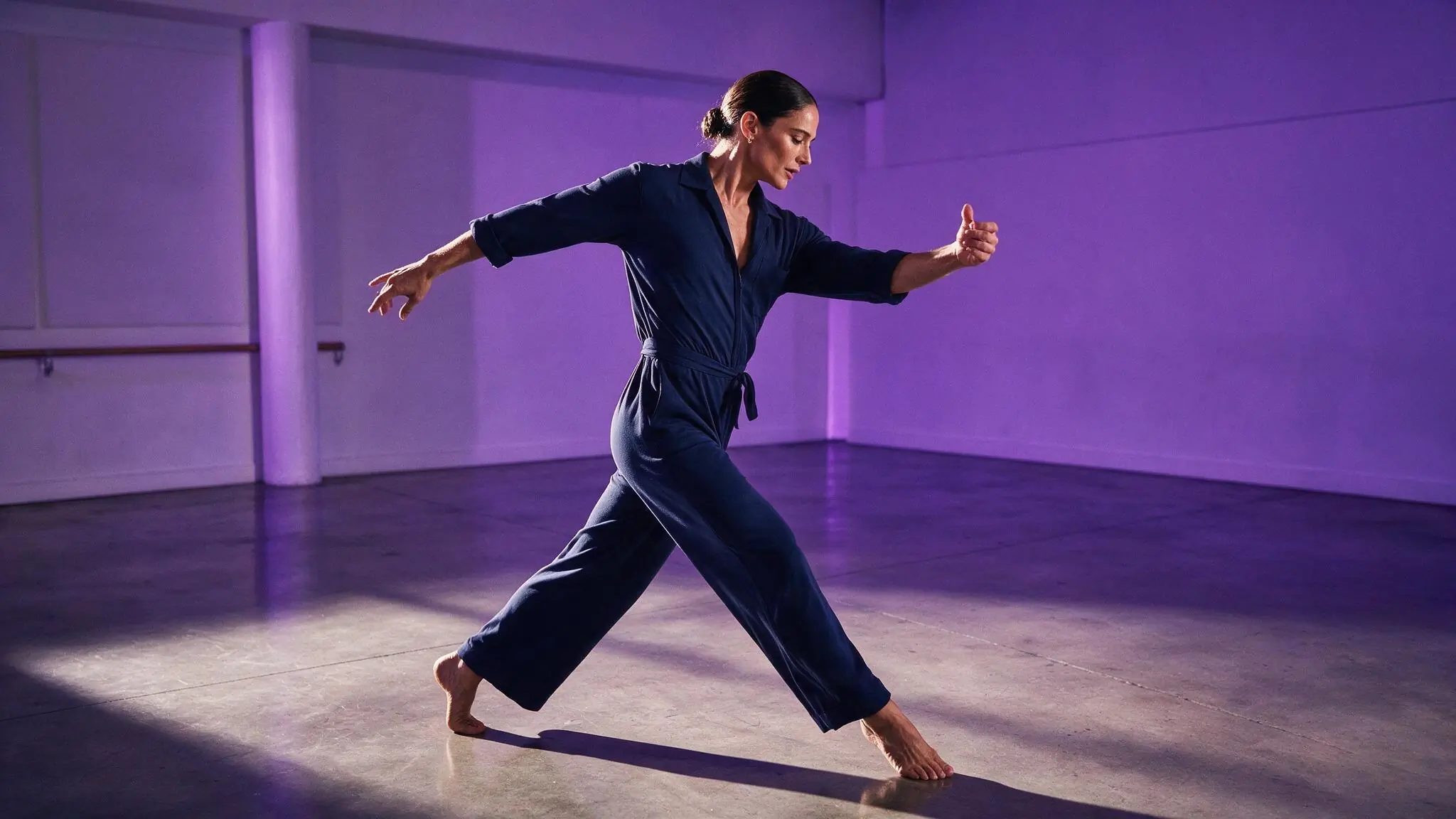
Follow the movement
PromptA fictional adult dancer crosses a violet rehearsal room, controlled side-tracking camera, measured pace, soft reflected light.
Tracking keeps the performer and surrounding space readable together.
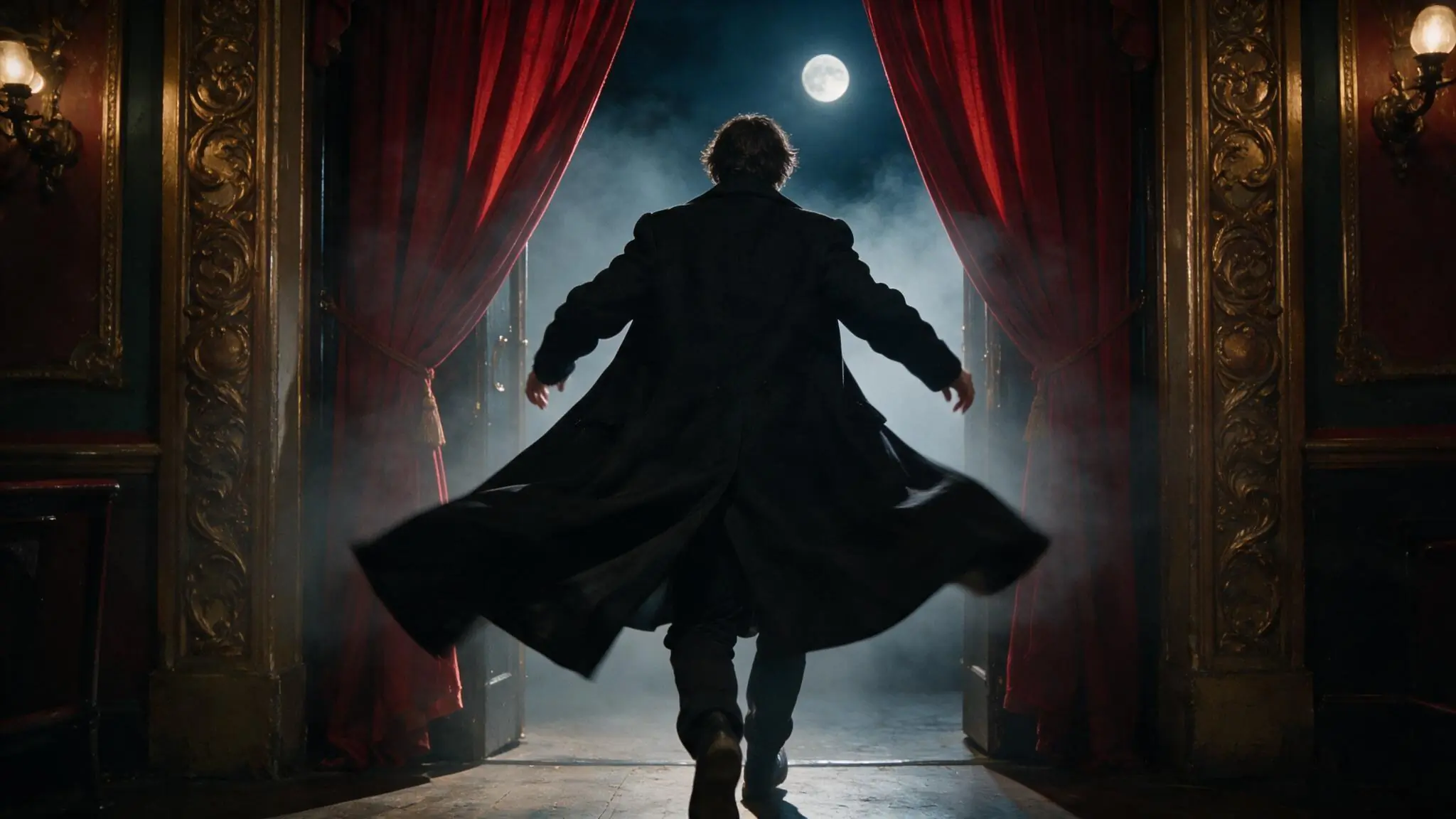
Move toward the reveal
PromptA fictional adult performer enters a moonlit theater through red curtains, slow dolly-in, restrained coat movement, cinematic haze.
A dolly-in concentrates attention as the scene opens around the subject.
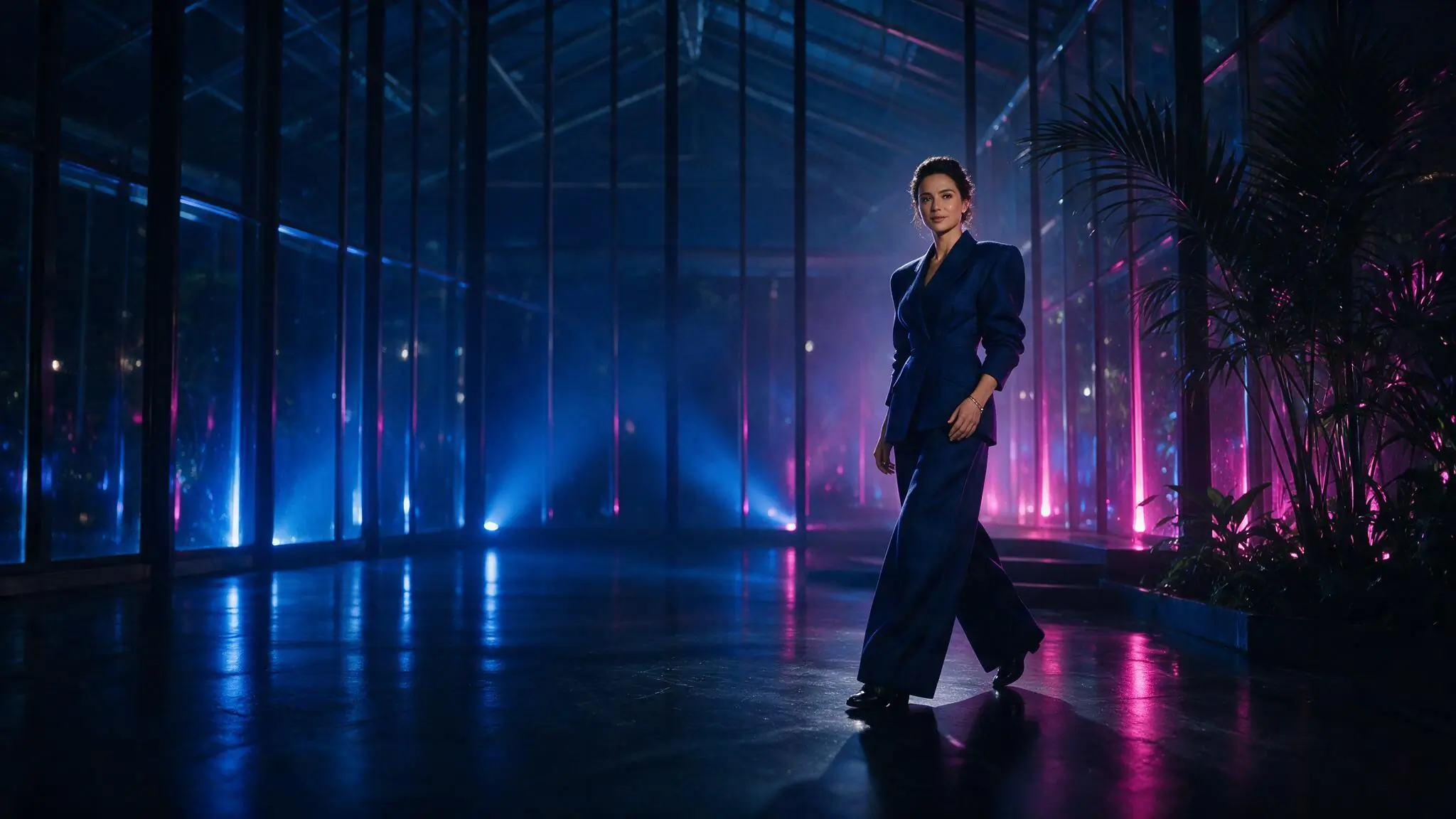
Hold the frame
PromptA fictional adult creator pauses in a blue glass pavilion, locked wide camera, subtle fabric movement, neon reflections, calm tempo.
A locked camera lets small subject and lighting changes carry the shot.
Text to Video settings for the shot
Available controls come from the selected live catalog entry. Choose duration, aspect ratio, resolution, and model around the shot you are testing instead of adding output complexity by default. Review the complete setup and Credit estimate together before submitting.
| Goal | Focus on | Why it helps |
|---|---|---|
| Validate one movement | A shorter available duration | A compact test makes it easier to judge whether the action and camera direction agree. |
| Frame for mobile viewing | 9:16 when the selected model offers it | Vertical framing keeps the subject prominent when the destination is a phone screen. |
| Show more environment | 16:9 when available | A wider frame gives tracking movement and surrounding space more room to read. |
| Control the Credit decision | Model and output configuration together | Review the live estimate after the full setup is selected, before submitting the request. |
Improve a weak video result
When a generated clip feels weak, change one prompt or setting decision at a time. Keep the model and framing stable while testing action, camera, pacing, or light so the next request shows which adjustment improved the shot.
- Too much happens at once
- Keep one main subject action and one camera movement. Move secondary atmosphere to the end of the prompt.
- The camera feels unstable
- Remove competing directions such as orbit, tracking, and zoom from the same brief.
- The subject loses emphasis
- Lead with the subject and opening composition, then simplify background activity.
- The visual mood changes
- Use one lighting scheme and one clear visual reference instead of several conflicting styles.
Text to Video questions
Practical answers about live settings, Credits, account access, and consent-first creation.
No source image is required for this workflow. The request begins with an original written concept and the settings offered by the selected model. If an exact starting composition matters more than inventing a scene from language, use an authorized source image in Image to Video instead.
Start with the shot rather than a model name. Decide whether the scene depends on duration, framing, resolution, or a particular supported control, then compare the live catalog entries that offer those choices. Review the Credit estimate after selecting the complete setup because model and output settings can affect the requirement together.
Reduce the brief to one subject action and one camera direction, then generate another controlled test. Keep the model and framing unchanged while you revise the prompt, which makes the difference easier to evaluate. Add atmosphere or secondary movement only after the central shot reads clearly.
You can inspect the generator and setup while signed out. Submission requires an authenticated account. Return to the same route after signing in.
The live Workspace shows estimated Credits for the selected model and settings before submission. Change either to see the current estimate. Catalog availability and Credit requirements can change.
Your next shot can start as one clear sentence.
For Text to Video, put the subject, action, camera, pace, and light into one focused brief, then review the live setup above.